
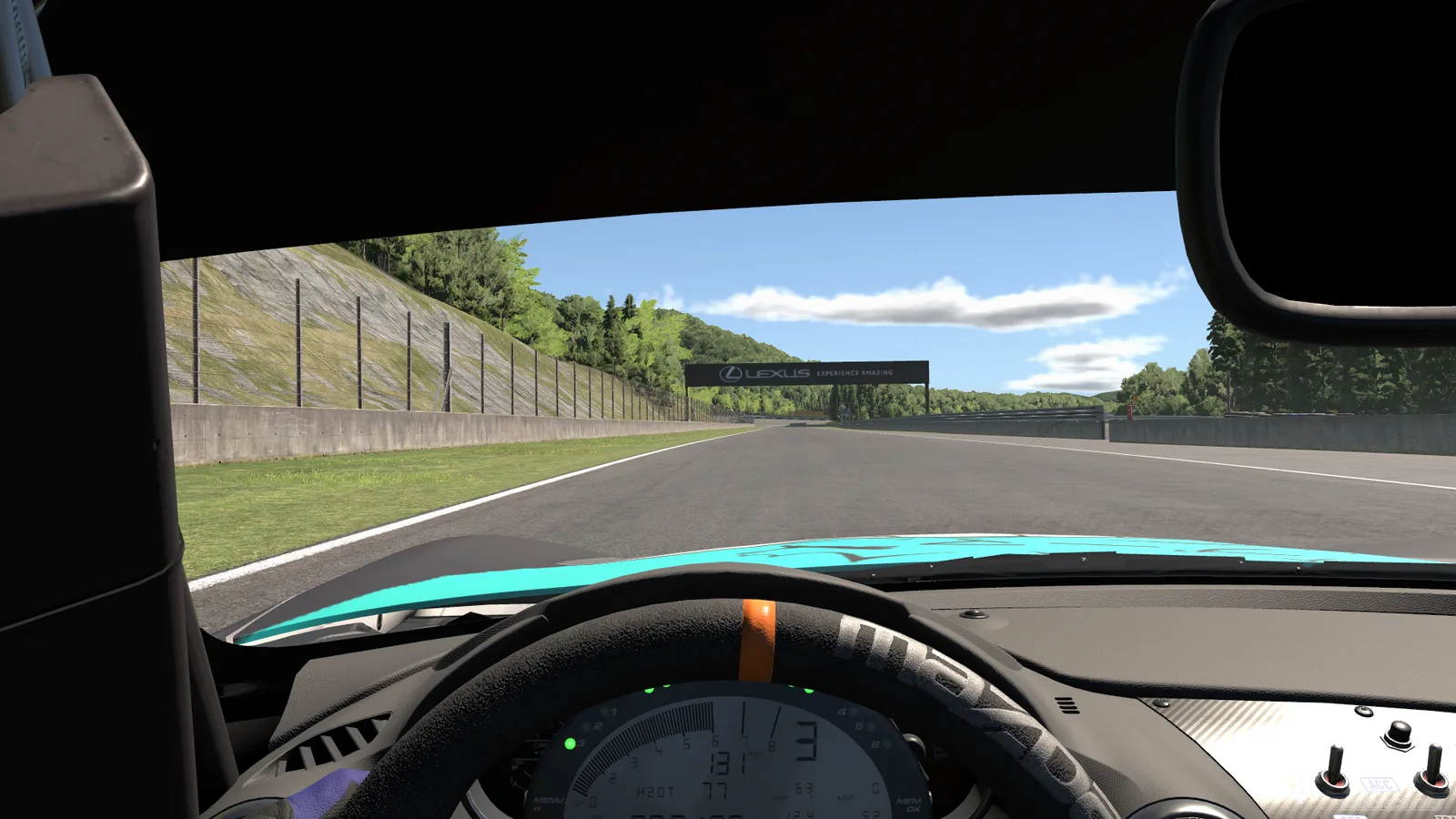
OverLap is the overlay I built for my own races and now share for free. What you see on this screen is not a video: these are its real widgets, with my own settings, moving with sample data over a still capture of iRacing.
OverLap installs on your PC
It runs on Windows next to iRacing, so downloading it on a phone gets you nowhere. Copy the link and open it on your computer.
Windows will warn you the first time because the installer is not signed. A certificate costs money every year and this is a small, free project. I’ll show you what to click.
- Free
- No account
- Windows 10 and 11
- English and Spanish
Four styles for the same race
What you see first is my own setup. Try the styles the app comes with, which change every widget at once, and then in the app you can tune each detail by hand.
Your colour
The accent marks your car in every widget, so you find yourself at a glance.
So you can see it well
There is a colour-blind palette and larger labels, and the flashing can be turned off.
Turn on only what you’ll look at
There are eleven widgets and none of them is required. Switch them on and off here, they work just as they do in the app. Those with nothing to say right now show their preview.
Put them where they suit you
Grab any widget on this screen and move it. They line up with each other and with the centre.
In the app you can also change their size by dragging the edges and their scale with the mouse wheel.
Each car with its own layout
You can save a layout for each car, and OverLap applies it by itself as soon as you get in. Pick one and watch the screen change.
If you stream
Each widget is a browser source in OBS, Streamlabs, vMix or XSplit. You place them in your scene however you like, and you can hide the overlay from the capture so it does not show twice.
Your sources
The setup curtain
While you are in the garage, a curtain with your words or your image covers the setup, and it lifts by itself when you go back on track. Write something and lower it.
A second PC
If you stream from another computer, the sources reach it over your local network with a code.